
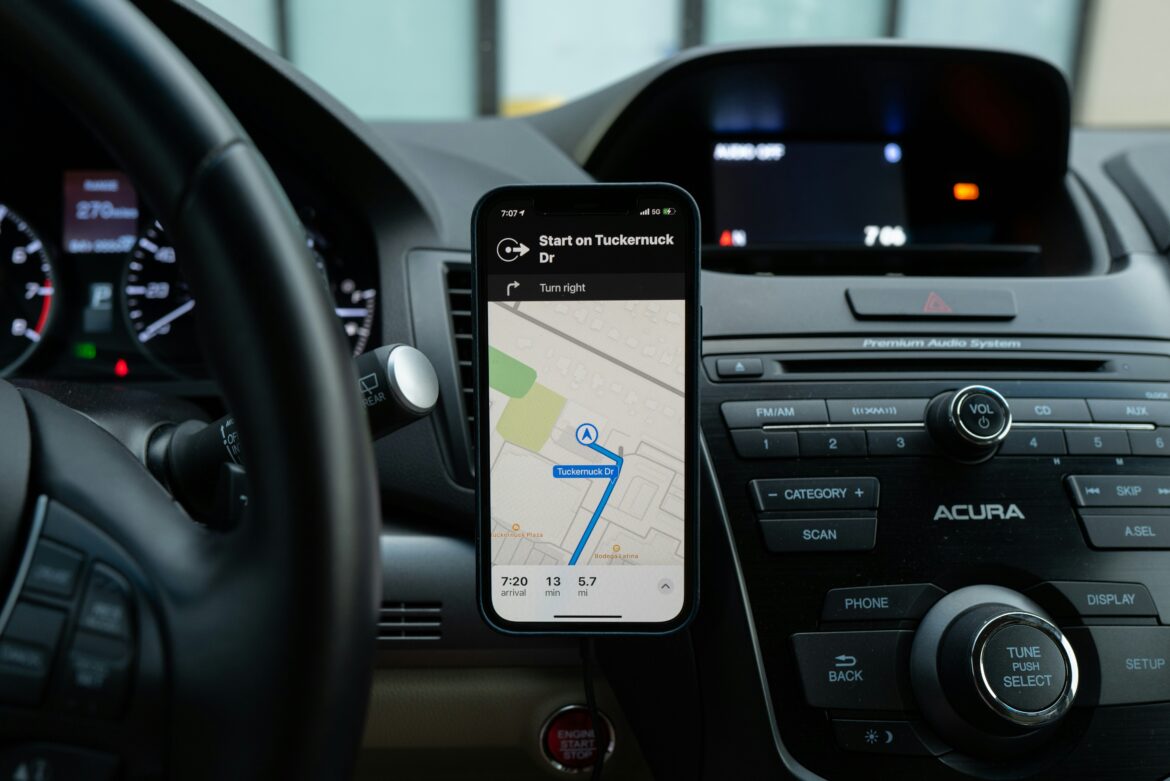
Here’s the deal. Amazing itineraries unravel over minute tech errors. Lost maps when the signal disappears. A flat phone at the gate. Files that won’t open when a visa officer requests to view them. Most of this can be avoided with some pre- and on-trip habits.
Let’s dissect this so your equipment, apps, and settings are not working against you.
-
Table of Contents
Disregarding image and document file compatibility
iPhones store photos in HEIC format by default, which not many Windows computers and older software can open without additional codecs. If you are posting trip pictures on a hotel lobby computer or handing in documents through an automated kiosk, check compatibility before you go. You can change the Most Compatible iPhone camera setting to new pictures or carry out a straightforward conversion strategy. Even one mention in your notes, reading HEIC to JPG can save you from the last-minute rush. For documents, export boarding passes, visas, and bookings to PDFs and save a copy in a cloud folder and offline within your Files app.
-
Forgetting the offline feature for maps, translation, and tickets
No signal is a when, not an if. Download offline maps for your destination so navigation works without data. Do the same for translation by downloading language packs in Google Translate. Keep essential passes saved in Apple Wallet or as PDFs in Files. Update these the day before flying so everything is current. Pro move: screenshot important QR codes as a backup in case an app misbehaves.
-
Using the wrong power equipment
A plug adapter is not a voltage converter. Several nations have around 230 V, and America has around 120 V. Most newer phone and laptop chargers are dual voltage and require only a plug adapter. Hair dryers and curling irons usually are not. Look for the fine print on the charger brick for 100–240 V. Pack a small multiport USB charger and a short extension cord to turn an outlet into a charging station for the entire room.
-
Violating airline battery regulations
Power banks are not allowed in checked bags. They have to be in your carry-on, with terminals covered from short circuit. Standard phone power banks are under 100 Wh and are okay. Larger spares of 101 to 160 Wh typically require airline permission and are confined to a maximum of two. More than 160 Wh is a no-go. Check your power bank’s watt-hours and carry it along for security screening. If the capacity is mentioned in mAh only, convert it beforehand and mark it on a strip of tape.
-
Tapping into SMS for two-factor authentication
When you arrive and exchange SIMs, those email or bank codes won’t show up. Install an authenticator app and create backup codes in advance of departure. Print them out or save them in an offline-resistant password manager. This avoids lockouts when you need to log in, transfer funds, or reset a hotel Wi-Fi password.
-
Failing to prepare for roaming and eSIM realities
Roaming internationally can be pricey and confusing. Review your provider’s roaming charges and limits, or purchase a prepaid eSIM for Chile if you’re traveling there. eSIMs are integrated into most newer phones and allow you to enable a local plan by scanning a QR code. That is simpler than searching for a kiosk at 11 p.m. at an airport. Configure which SIM manages data against calls, and leave your home number on for texts if you have to. Disable data roaming on the incorrect line so background apps don’t waste money.
-
Missing out on device tracking and backups
If you lose your phone or tablet, you’d like two things to be working. First, device tracking with Find My or whatever service you’re using is already logged in and ready to go. Second, an up-to-date backup. Enable automatic photo backup and check it over Wi-Fi when you depart. If you need to erase a lost device, your notes and photos will still appear on your new phone. Learn how to indicate a device as lost and also how to log in to the web dashboard on a public computer without a password manager.
-
Trusting every QR code that comes your way
Airports, parking meters, and popular tourist attractions are popular targets for malicious QR codes. Don’t scan codes on stickers placed over official signs. If you must pay or install an app, go to the site manually or look up the official app in the store. It takes a few extra seconds and can prevent a card shutdown in the middle of your journey.
-
Accessing hotel Wi-Fi as your home network
Public networks are public-facing, not private. Don’t use sensitive logins on hotel or café Wi-Fi unless you have a trusted cellular connection or a good VPN. At least enable automatic HTTPS in your browser and disable file sharing on laptops. Make your devices forget these networks when you are leaving, so they don’t end up reconnecting to random clones afterwards.
-
Neglecting app updates and storage
Keep your travel apps updated a few days prior to trip time so no last-minute changes happen on the morning of your flight. Free up storage space for photos and offline documents. A full phone discontinues camera shots and halts offline downloads in progress. That is a simple way to find yourself at a backwoods trailhead without a map.
Conclusion
Travel becomes a breeze when your tech is uninteresting. Files open. Maps load. Batteries clear security. That is the aim. Invest an hour prior to your journey to install offline tools, backups, and security correctly. Inspect your adapters and power banks. Ensure roaming or eSIM settings. With a few quick steps, you eliminate possible trip spoilers as non-events and prioritize the fun aspects.
Featured Photo is by Ravi Palwe on Unsplash
*This article has been contributed to Owl Over The World.
